
Buildings, floors & units
Model every building down to the unit, plus common areas: lobby, gym, pool, party room, garage. Put each building on the map.
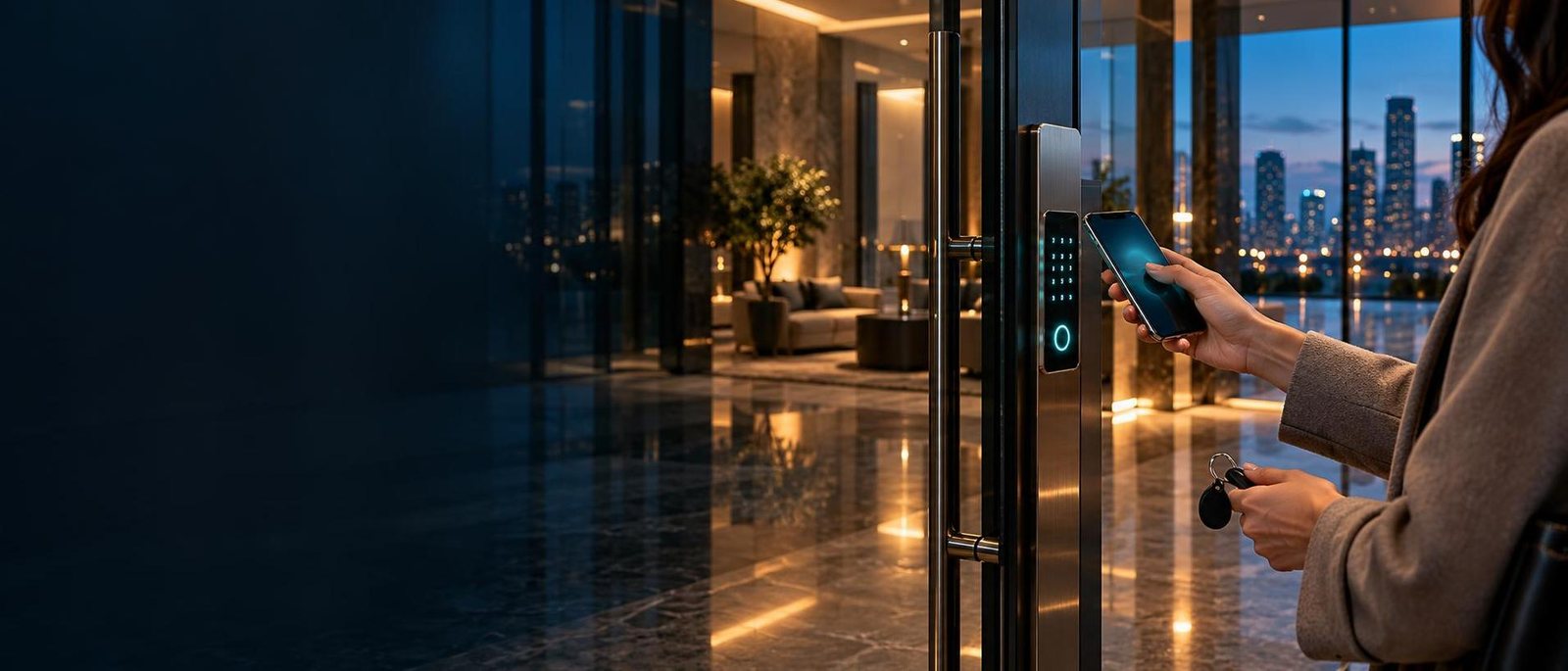
Vega ACMS is smart lock management software for property managers and condo boards. Issue cards with start and end dates, block a lost fob in seconds, open doors remotely and see every entry — across all your buildings, with no keys to cut.
Setting up your company? Request access — we review and approve every new workspace.
Every lost key means a locksmith. Every move-out means chasing fobs. And when something happens, nobody can say who opened which door.
Built with property managers for real apartment, condo and office buildings. Every feature below runs in the same panel.
Model every building down to the unit, plus common areas: lobby, gym, pool, party room, garage. Put each building on the map.

Unit doors, entrances and garage gates in one list, grouped into access groups — so a card opens exactly the doors it should.

Start and end dates on every credential. Mark one lost or broken and it’s blocked — but kept with its full history.

Keep a clean resident list per unit. Send an app invite by email so residents can open their own doors.

Let in a delivery, a contractor or a locked-out resident from anywhere. Confirmed first, logged every time.

Set a low-battery threshold per building and your technician is told before a lock dies. Every battery change and repair is logged per lock.

Every entry, every denied attempt and every change by every manager: who, what, which door, when.

Company admins, building managers and technicians each see only their buildings and do only their job. Two-factor sign-in for everyone.

Your company name, logo and colours on the panel your managers and residents use.
TTLock-based locks talk to a wired gateway on each floor. The gateway connects them to the ACMS cloud. You and your residents use the panel and the app.
On the door. Opens with a card, fob, phone sticker, PIN code or phone. Runs on batteries and keeps working offline.
BluetoothOne per floor or corridor. Bridges nearby locks to the internet over a wired, PoE-powered connection — no Wi-Fi dropouts.
InternetHosted in Canada. Buildings, units, cards, residents, roles and the audit log live here — one panel for your whole portfolio.
Web & appManagers issue and block cards, open doors remotely and see every entry. Residents get an app invite for their own doors.
Many lock brands are built on the TTLock platform. If your lock is set up with the TTLock app, Vega ACMS can manage it — together with every other building you run. It’s the TTLock app alternative built for property managers.
It asks you to install the TTLock app.
If the app pairs with the lock, it’s compatible.
Send us the model and we’ll check it for you.
Run many buildings from one panel. Give each building manager their own buildings and keep a single view of the portfolio.
Know who has a fob to the common areas, retire cards when units sell, and answer owners with facts from the audit log.
Hand over access on move-in day and end it on move-out day — automatically. No key returns, no re-keying.
Staff, cleaners and contractors get the doors and hours they need. Garage gates and parking on the same system.
Access control holds personal information. Vega ACMS is built to help you meet Quebec and Canadian privacy rules.
Built to support your Law 25 obligations: role-limited access to personal information and a record of who changed what, and when.
Designed around Canada’s federal privacy principles: collect what’s needed, protect it, and let you account for it.
Your buildings, residents and entry history are stored in a Canadian data centre, with encrypted daily backups.
Admins, building managers and technicians see only their own buildings, with permissions set per person.
TOTP two-factor sign-in for every user, plus a login history with time, IP address and device.
Every door event and every admin action is recorded — ready when a board, an owner or an investigator asks.
Plans differ by buildings, doors, history and the level of support.
Small buildings getting started.
Growing portfolios with several buildings.
Property managers with white label and integrations.
Large portfolios with custom requirements.
Compare buildings, doors, history and support levels, then tell us your doors — we’ll send a quote. Locks and gateways are bought separately.
Any lock that runs on the TTLock platform. Many manufacturers sell TTLock-based locks under their own brand names — if the lock is set up with the TTLock app, ACMS can manage it. Doors on other access-control systems, starting with UniFi Access, can sit in the same panel.
See compatible locks for how to check yours.
Yes, for anything remote. A TTLock gateway connects nearby locks (over Bluetooth) to the internet: G2 uses Wi-Fi, G3 uses wired Ethernet and G3P is the wired version powered over Ethernet (PoE). For apartment and office buildings we recommend wired G3P gateways — one or more per floor, depending on the layout.
Without a gateway, locks still open with cards and codes, but every change needs someone on site with a phone.
Doors keep working. The locks run on batteries and store their credentials, so cards, fobs, PIN codes and fingerprints already loaded keep opening the door with no internet.
What waits for the connection to return: remote unlock, live entry logs and new changes. Entry records sync once the gateway is back online. If you must block a card during an outage, a technician can apply it on site over Bluetooth. Tip: put the gateway PoE switch on a UPS.
Mark the card as lost in ACMS. It is blocked at the doors through the gateway, and it stays in the system with its full history — nothing is deleted. Issue a replacement card in a minute. Broken cards work the same way.
Yes. Every card, fob or phone sticker can have a start date and an optional end date. Hand keys over a month early and they only start working on move-in day. Cleaners, contractors and short leases get access that expires on its own.
In Canada. ACMS is hosted in a Canadian data centre, with encrypted daily backups. It is built to support your obligations under Quebec’s Law 25 and PIPEDA. See security & privacy.
No. Vega ACMS is the software that runs your doors; locks and gateways are bought separately. Pricing is tailored to your portfolio — talk to sales for a quote.
Yes. Vega ACMS is built for Quebec: this website is available in French, the panel and the resident experience are bilingual English and French (the French interface is rolling out now), and we support clients in both languages.
Tell us about your doors and we’ll walk you through ACMS on a short call — with your own buildings in mind, not a canned slideshow.
Ready to set up? Request access to a workspace · Already a client? Sign in
Create your company workspace. Vega reviews and approves it before the first sign-in.
Already approved? Sign in · Prefer to talk first? Book a demo